
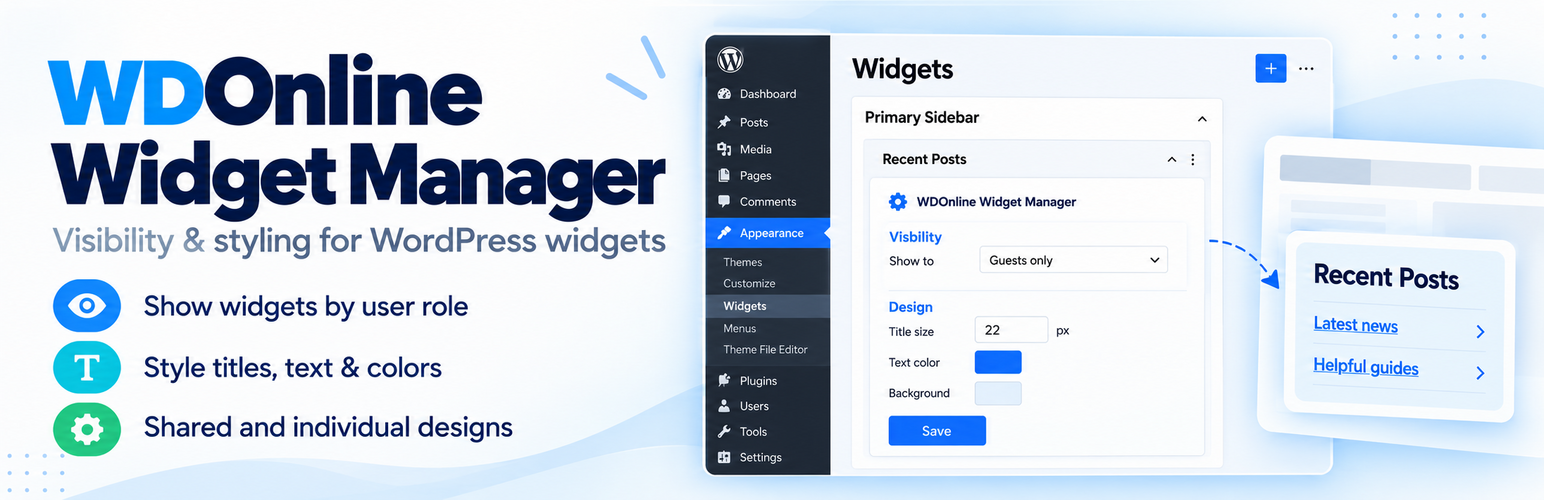
Control who sees your WordPress widgets and customize their appearance from one place.
WDOnline Widget Manager gives you control over the visibility and design of widgets in your website’s sidebars, footer and other registered widget areas.
Show different widgets to guests, logged-in visitors or selected user roles. Adjust typography, colors, spacing and borders using a shared design, individual widget settings, or a combination of both.
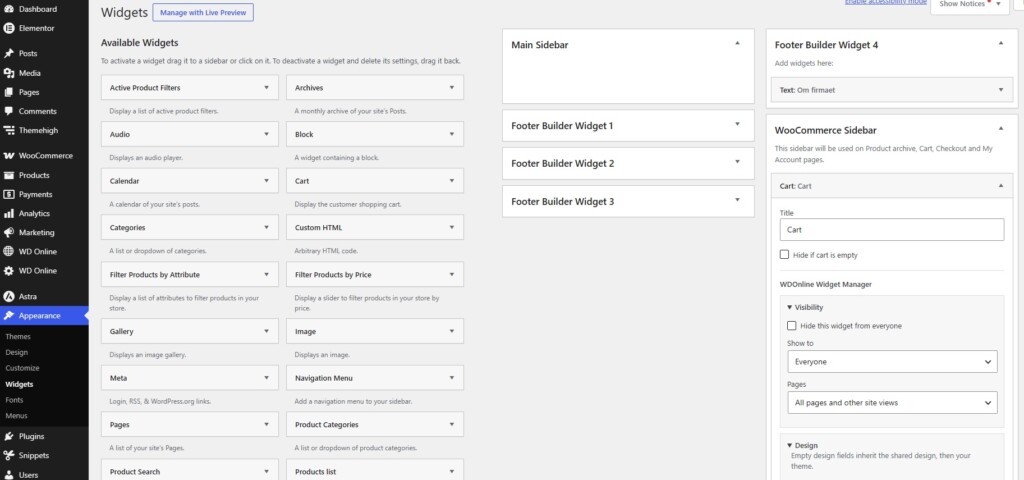
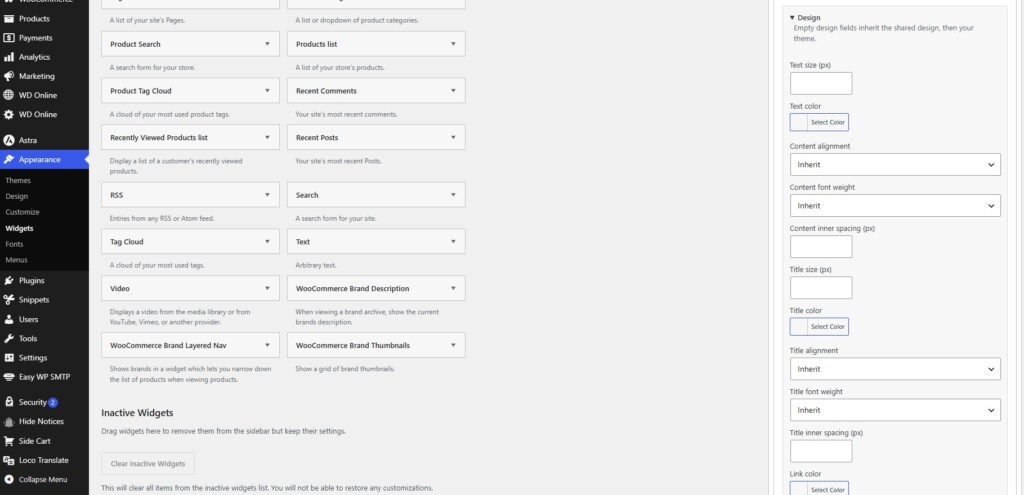
On the classic Appearance → Widgets screen, visibility and design controls appear directly inside each widget. You can make your changes and apply them using the widget’s normal Save button.
Control Widget Visibility
Choose which visitors should see each widget and where it should appear.- Show a widget to everyone.
- Display it only to guests or logged-in visitors.
- Restrict visibility to selected user roles, including custom roles.
- Show a widget only on selected WordPress pages.
- Hide it on selected pages while keeping it visible elsewhere.
- Hide a widget from everyone without deleting its content.
Customize Titles and Content
Give widgets a consistent appearance while keeping individual design choices where needed.- Set separate font sizes for titles and content.
- Choose title, text and link colors.
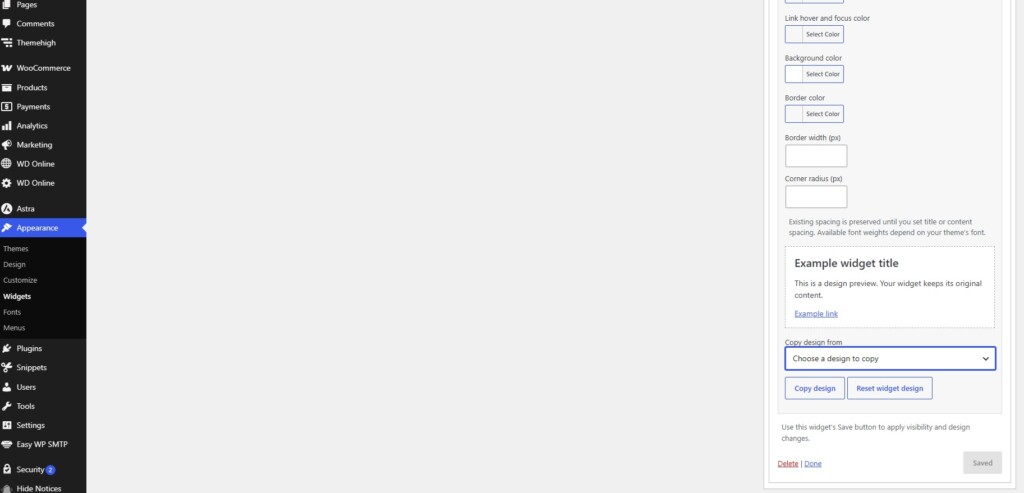
- Set link hover and keyboard-focus colors.
- Align titles and content independently: left, center or right.
- Choose separate font weights from 100 to 900.
- Define independent inner spacing for titles and content.
- Adjust background color, border color, border width and rounded corners.
Shared Design with Individual Overrides
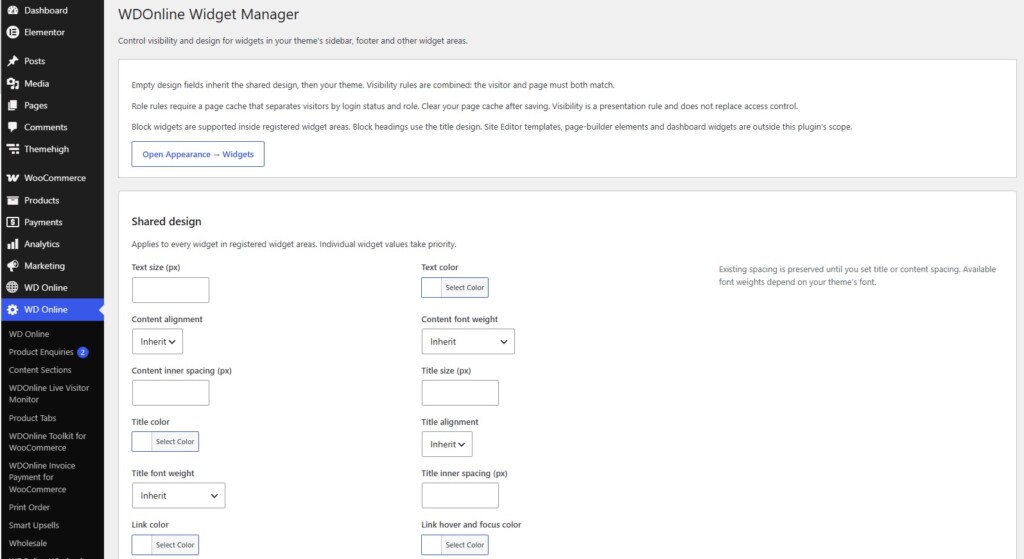
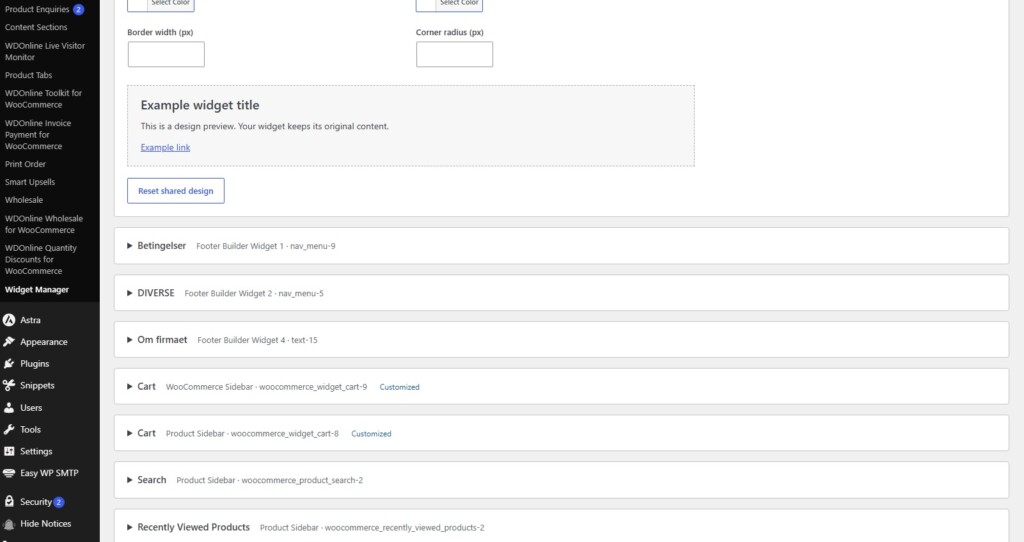
Create a shared design under WD Online → Widget Manager to apply consistent styling across your widget areas. Individual widgets can override specific values. You could use the same typography throughout your site while giving one promotional widget a different background, larger title or additional spacing. Empty design fields inherit the shared settings. Where no shared value is defined, your theme’s styling remains in place.Preview, Copy and Reset
A live sample preview helps you check design changes before saving. Copy design settings between widgets to reuse a layout, or reset an individual widget’s design to return to the shared settings. Copying and resetting designs leave visibility rules unchanged.Key Features
- Visibility based on login status and user roles.
- Page inclusion and exclusion rules.
- Visibility and design controls inside classic widget forms.
- Central widget overview and shared design settings.
- Independent typography, alignment and spacing for titles and content.
- Text, link, background and border colors.
- Live sample previews.
- Copy and reset design controls.
- Support for classic widgets and block widgets in registered widget areas.
- Translation-ready interface.
- No WooCommerce or shared WD Online core plugin required.
- Free to use, with no paid feature upgrades.
Compatibility
WDOnline Widget Manager works with widgets displayed through registered theme widget areas. It does not manage dashboard widgets, arbitrary Site Editor blocks or page-builder elements. Direct controls are available in the classic Widgets editor. Widgets managed through the modern block widget editor can be configured from the central Widget Manager page. Widgets with custom markup or their own styling may need individual checking. If you use full-page caching, make sure the cache respects visitor-specific visibility rules. Make your WordPress widgets more relevant to your visitors and give them a consistent design with WDOnline Widget Manager.Do you have suggestions for improvements to this plugin?
Plugin screenshots
Support WD Online
Our plugins are free. If you find them useful, you can support continued development. You decide the amount yourself and we see any amount as recognition that our plugin helps others.